After you have booked certain resources onto a project, you may want to restrict task assignments to be from the pool of resources that have been booked onto the project.
Example: The company has a pool of 55 cameras in their production department. Only 3 cameras from the department have been booked (or penciled in) to an upcoming project. As tasks are being added to this project that require cameras, the company does not want other cameras to be assigned to these tasks. It only wants the booked cameras to be the possible candidates for these tasks.
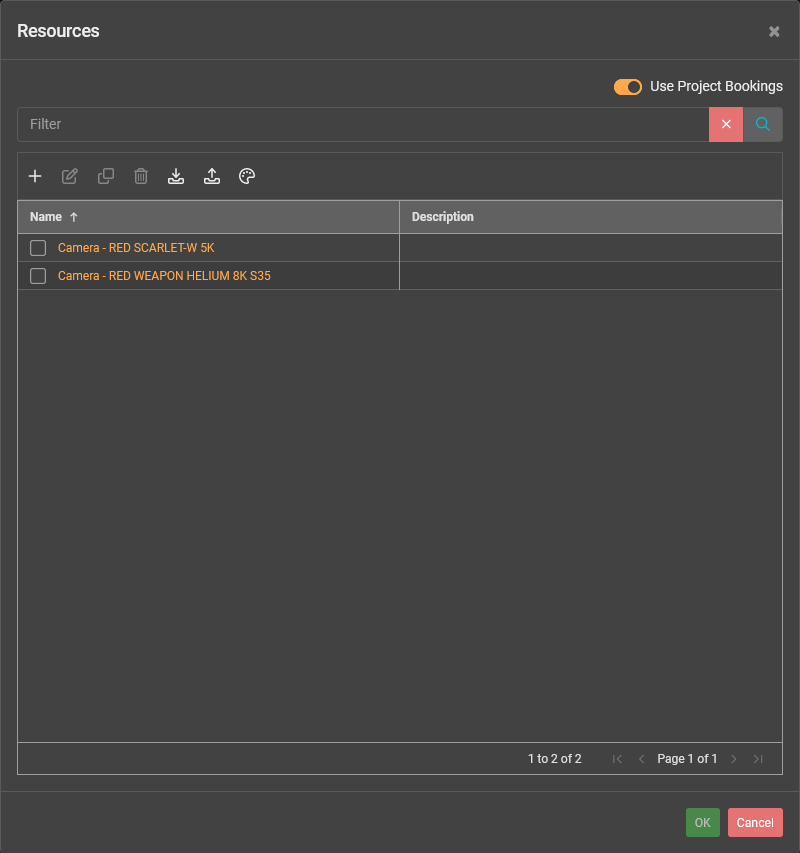
When assigning resources to tasks in a project, the Resources screen will be displayed for you to choose resources to assign to the task.
Click the Use Project Bookings switch to restrict the list of resources to only those that have been booked onto the project.
Was this article helpful?
That’s Great!
Thank you for your feedback
Sorry! We couldn't be helpful
Thank you for your feedback
Feedback sent
We appreciate your effort and will try to fix the article